You sent an important invoice or a contract, but the client never replied. You follow up, and they say, "Oh, I found it in my Spam folder." For a business, this isn't just annoying—it's a revenue killer.
Why does Gmail or Outlook flag your real, hand-typed emails as junk? Here are the top reasons.
1. You Are Missing Authentication (SPF/DKIM)
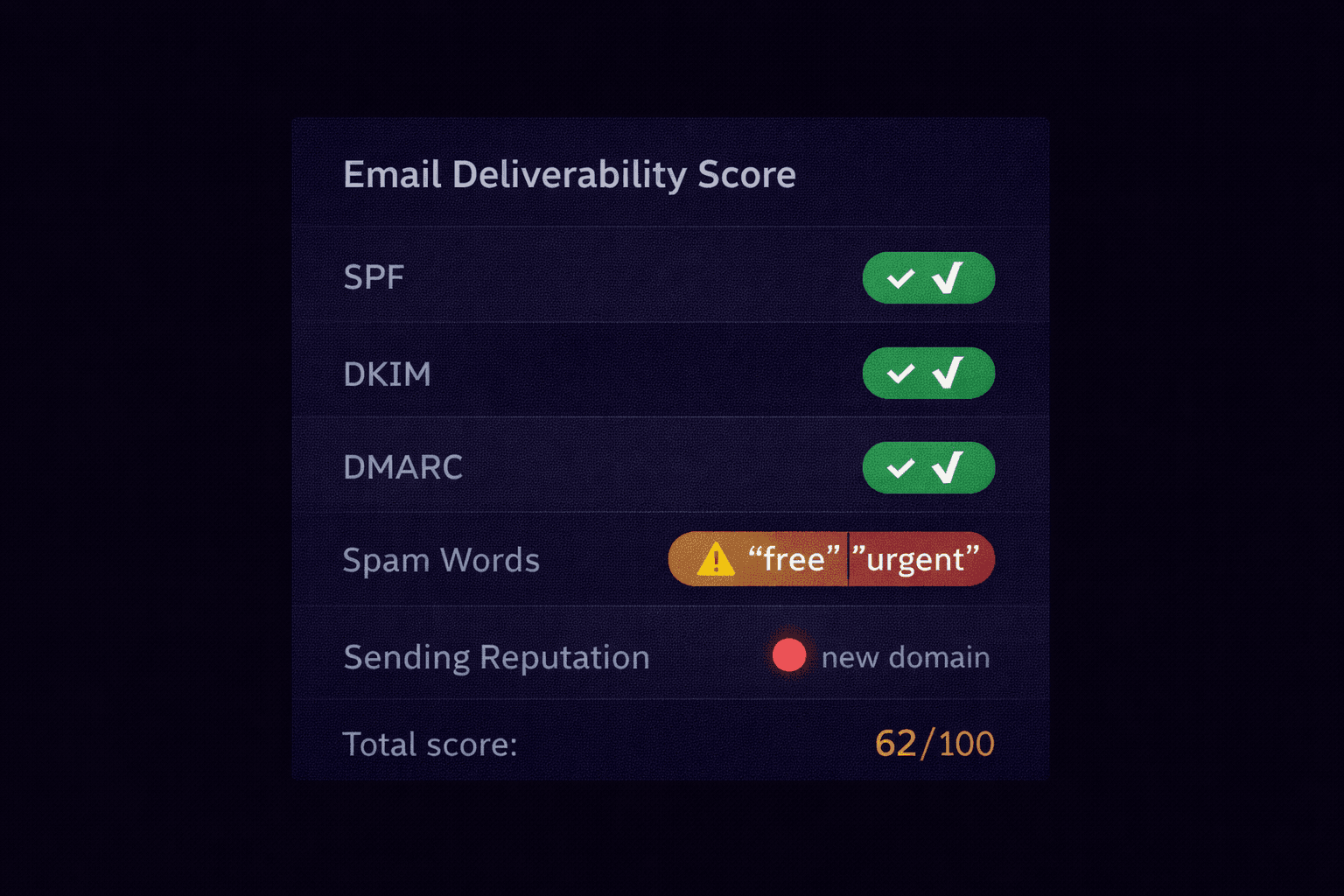
This is the #1 cause. If you don't have SPF and DKIM set up, you look like a spammer.
The Fix: Contact your domain registrar (GoDaddy, Namecheap) and add the TXT records provided by your email host (Google Workspace, Microsoft 365).
2. Your IP Reputation is Bad
If you send email from a shared server (like cheap web hosting), you are sharing an IP address with hundreds of other websites. If one of them sends spam, the entire IP gets blacklisted.
The Fix: Use a dedicated email provider (Google Workspace, O365, SendGrid) instead of your web host's `php mail()`.
3. Your Content Triggered a Filter
Spam filters scan the body of your email for "spammy" patterns.
- ALL CAPS SUBJECT LINES
- Too many exclamation points!!!
- Keywords like "Free", "Guarantee", "No Risk", "Buy Now" in high density.
- Using a URL shortener (bit.ly, tinyurl) which hides the destination.
4. You Have No Reverse DNS (PTR Record)
For email servers, specific "Identity" checks are required. A PTR record translates your IP address back into a domain name (the opposite of a normal DNS lookup).
If your sending IP says "I am 1.2.3.4" but 1.2.3.4 doesn't resolve back to your domain, major providers will block you.
5. Your Domain is Too New
If you bought your domain yesterday and started sending 500 emails today, you will be blocked. "Warm up" your IP by sending a small volume initially and increasing it over weeks.
How to Test Your Deliverability
Stop guessing. You can run a diagnostic test on your own emails.
- Send a blank email to [email protected] (or use our tool).
- Wait for the auto-reply with the report.
- Look for "SPF: Pass" and "DKIM: Pass".
Analyze Your Sent Emails
Send a test email to yourself, view the headers, and paste them into our analyzer. We will tell you exactly which authentication check is failing.
Run a Deliverability Check