It happens to everyone. You're tired, distracted, or just clicking through your inbox, and you realize too late: "That wasn't a real email." Your heart sinks.
First: Do not panic. Clicking a link alone usually isn't enough to compromise you fully, unless you downloaded a file or entered credentials.
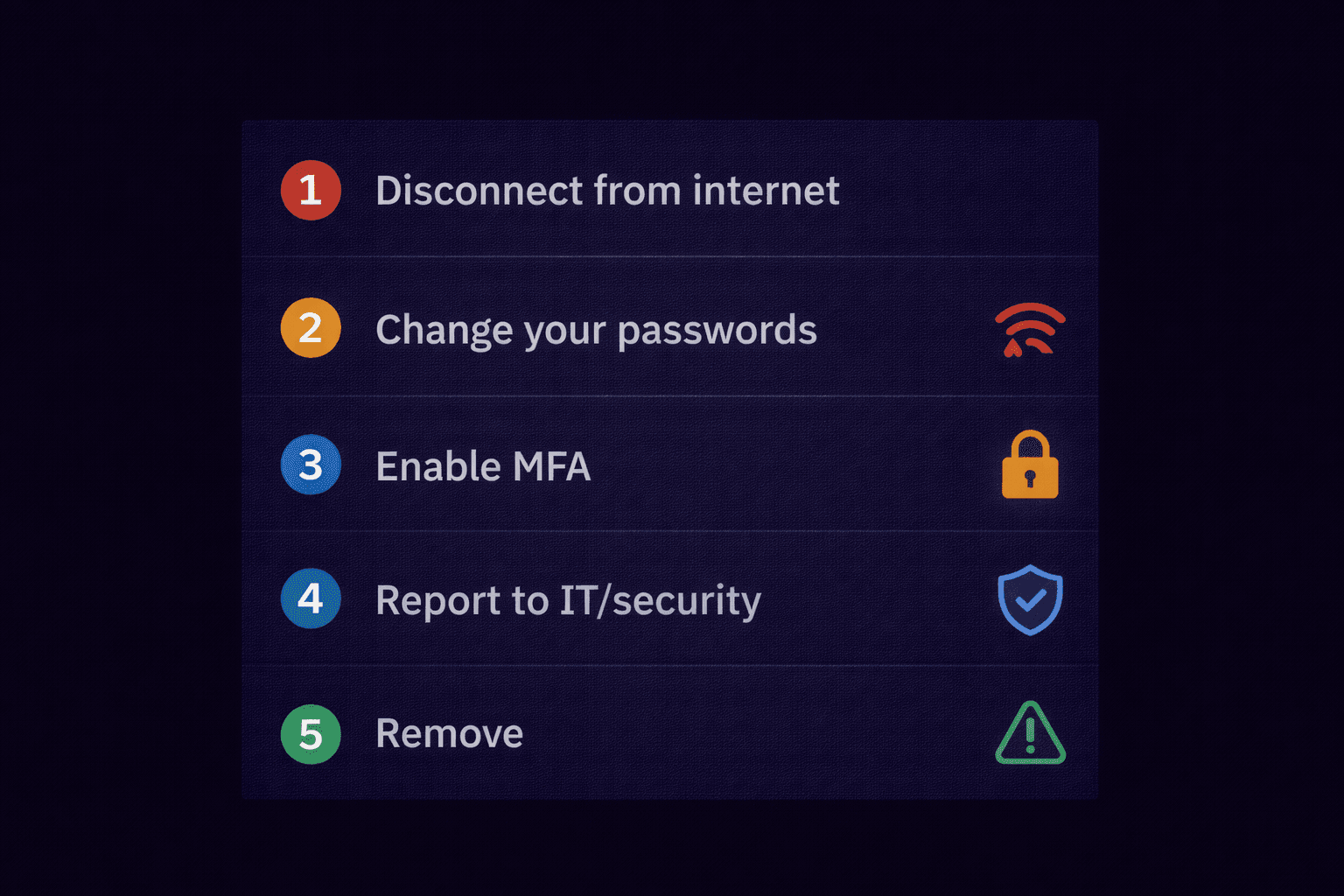
Step 1: Disconnect From the Internet
If you suspect the link downloaded malware (a "drive-by download"):
- Turn off Wi-Fi immediately.
- Unplug the Ethernet cable.
This stops potential malware from "phoning home" to the attacker's server to steal your data or encrypt your files (ransomware).
Step 2: Change Your Passwords
If you entered your username and password into the fake site:
- Use a different device (like your phone on cellular data).
- Log in to the real service (e.g., your bank, Microsoft 365).
- Change your password immediately.
- Crucial: If you reuse that password on other sites (Facebook, Amazon), change those too. Attackers will try your password everywhere ("Credential Stuffing").
Step 3: Enable Multi-Factor Authentication (MFA)
If you don't have MFA (2FA) enabled, turn it on now. It is the single most effective way to stop a hacker. Even if they have your password, they can't log in without the code from your phone.
Step 4: Scan for Malware
Reconnect to the internet only after ensuring your antivirus is active. Run a Full System Scan. If you are in a corporate environment, contact your IT department immediately. Do not try to hide it—speed saves jobs.
Step 5: Monitor Your Accounts
If the phishing email was financial (fake invoice, bank alert):
- Call your bank's fraud department.
- Watch your statements closely for small "test" charges ($1 or $2).
- Consider placing a credit freeze if you gave up your Social Security / National Insurance number.
How to Know For Sure?
Sometimes you aren't sure if the link was bad or if you're just paranoid.
Never investigate using your own browser.
Instead, analyze the email headers. If the email came from a legitimate source, you're likely safe. If the headers show it originated from a VPS in a foreign country, initiate your incident response plan.
Still Have the Email?
Before you delete it, verify the sender. Knowing who attacked you determines if this was a random bot or a targeted campaign.
Check Sender Origin