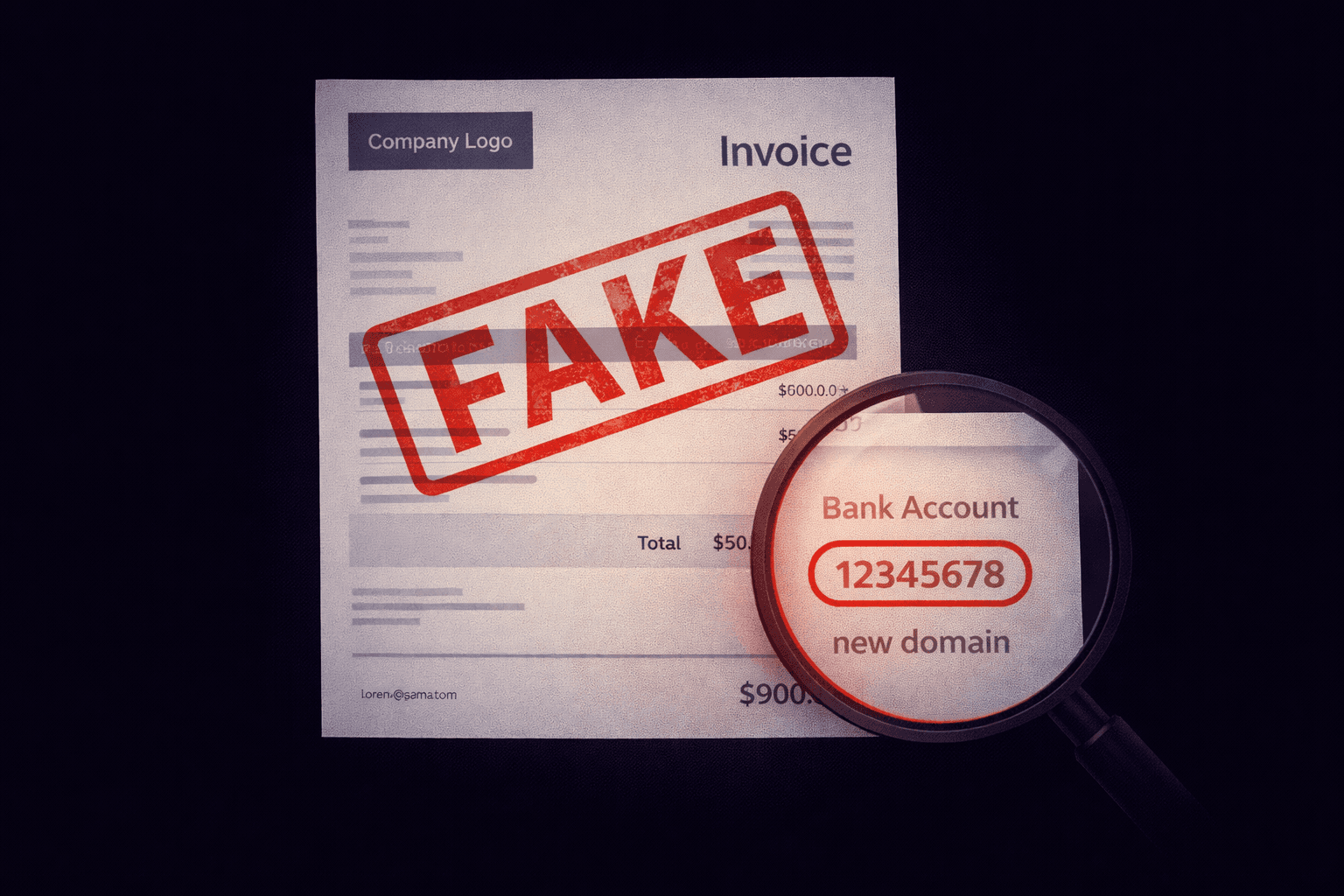
Every day, thousands of businesses receive fake invoices. They look real. They sound urgent. And they steal millions. Today, we are dissecting a real phishing email to show you exactly how it works.
The Hook: "Your Payment is Overdue"
The email arrives with the subject line: URGENT: Invoice #INV-2026-992 Overdue (Final Notice).
Psychological Trigger: Fear. No business owner wants to be blacklisted or have their service cut off. The scammer counts on you panicking and clicking "Pay Now" without thinking.
The Header Analysis
Let's look under the hood.
1. The "From" Address
The Flaw: QuickBooks sends emails from `quickbooks.intuit.com`, not a free Gmail account.
2. The Link Analysis
The email contains a big blue button: "View Invoice".
When you hover over it, the URL looks strange:https://quickbooks-secure-portal.web-verify-login.com/auth/login
It says "quickbooks", but the actual domain is `web-verify-login.com`. This domain was registered 2 days ago.
3. The Payload
If you click the link, it takes you to a pixel-perfect copy of the Intuit login page. If you enter your password, the scammer harvests it immediately and redirects you to the real QuickBooks site so you don't suspect anything.
Why It Bypassed the Filter
- No Virus: There was no malware attachment.
- Clean Domain: The fake domain (`web-verify-login.com`) was brand new, so it wasn't on any blacklists yet.
- Standard Auth: The email was sent from a real Gmail account, so SPF and DKIM passed (for Gmail).
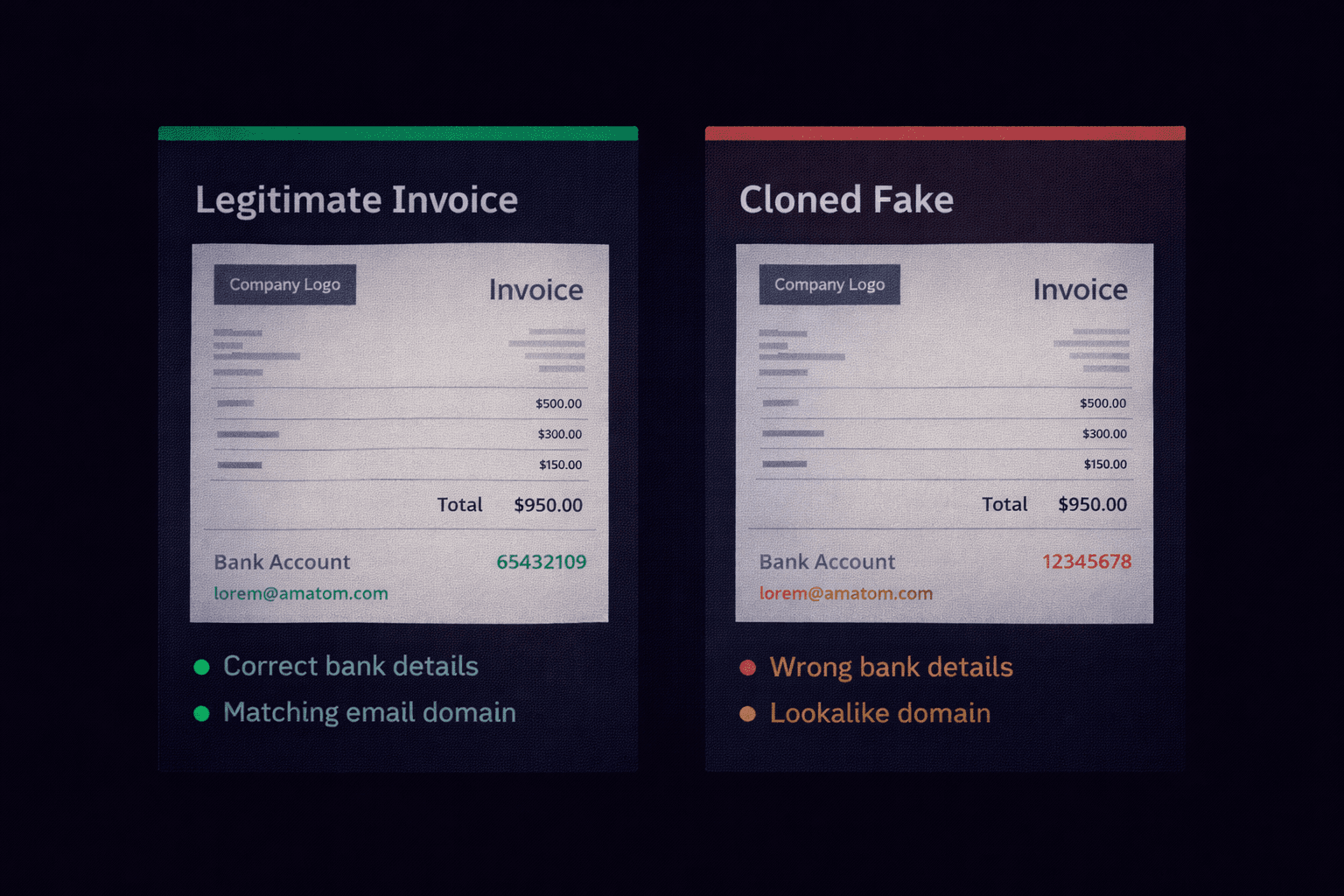
How to Investigate Suspicious Invoices
- Check Source: Use the "Show Original" feature to find the real sender domain.
- Check Age: Use a `whois` lookup to see when the domain was registered. If it's less than 30 days old, it's a scam.
- Verify Offline: Log in to your accounting software directly (type usage details in browser), do not click the link.
Received a Suspicious Invoice?
Forward the headers to our analyzer. We check the domain age, reputation, and authentication status instantly.
Analyze Invoice Email