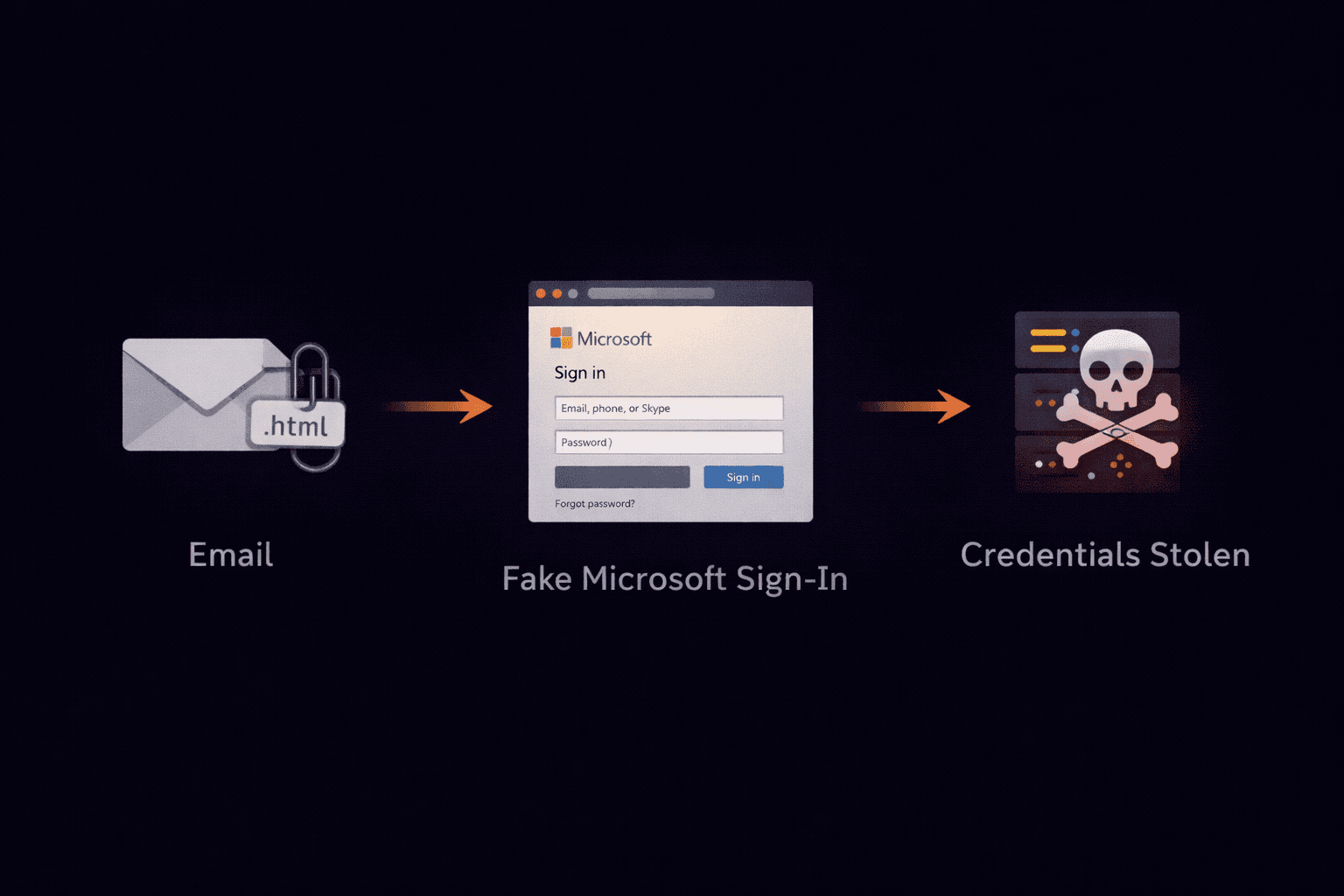
You receive a voicemail notification or a secure document. It's not a PDF or a Word doc—it's an `.html` or `.htm` file. Your antivirus doesn't flag it. But when you open it, your browser launches a fake Microsoft 365 login page.
HTML Smuggling: Bypassing the Firewall
Traditional email filters scan for malicious links (URLs) inside the email body. If an email contains a link to `evil-site.com`, it gets blocked.
To bypass this, attackers stopped including the link in the email body. Instead, they attach the webpage itself.
- The Trick: The HTML file contains a script that builds the phishing page locally on your computer.
- The Bypass: Since the phishing form doesn't exist until after you open the file, the email filter sees nothing but harmless HTML code.
The "Local" Phishing Page
When you double-click the attachment, it opens in Chrome or Edge. It looks identical to a Microsoft or Google login screen.
However, look at the address bar. It doesn't say `https://login.microsoftonline.com`. It says:file://C:/Users/You/Downloads/Voicemail.html
This means the page is running from your hard drive, not the internet. When you type your password, the script silently sends it to the attacker's server in the background.
Red Flags
- Unexpected File Type: Voicemails are usually `.mp3` or `.wav`. Faxes are `.pdf`. Never trust an HTML attachment for these.
- "Blurry" Backgrounds: Many HTML attachments use a blurred image of an Excel spreadsheet or OneNote doc as a background to trick you into "logging in" to view it.
What To Do If You Receive One
- Do Not Open It. Even opening the file can trigger scripts that fingerprint your browser.
- Check the Sender: Does the email really come from your phone system provider (e.g., RingCentral, Vonage)?
- Analyze the Headers: Use a tool to see if the email originated from the legitimate provider's IP range.
Did You Open One?
If you typed your password into an HTML attachment, change it immediately and enable MFA. Then analyze the original email headers to confirm the threat source.
Analyze the Phishing Email