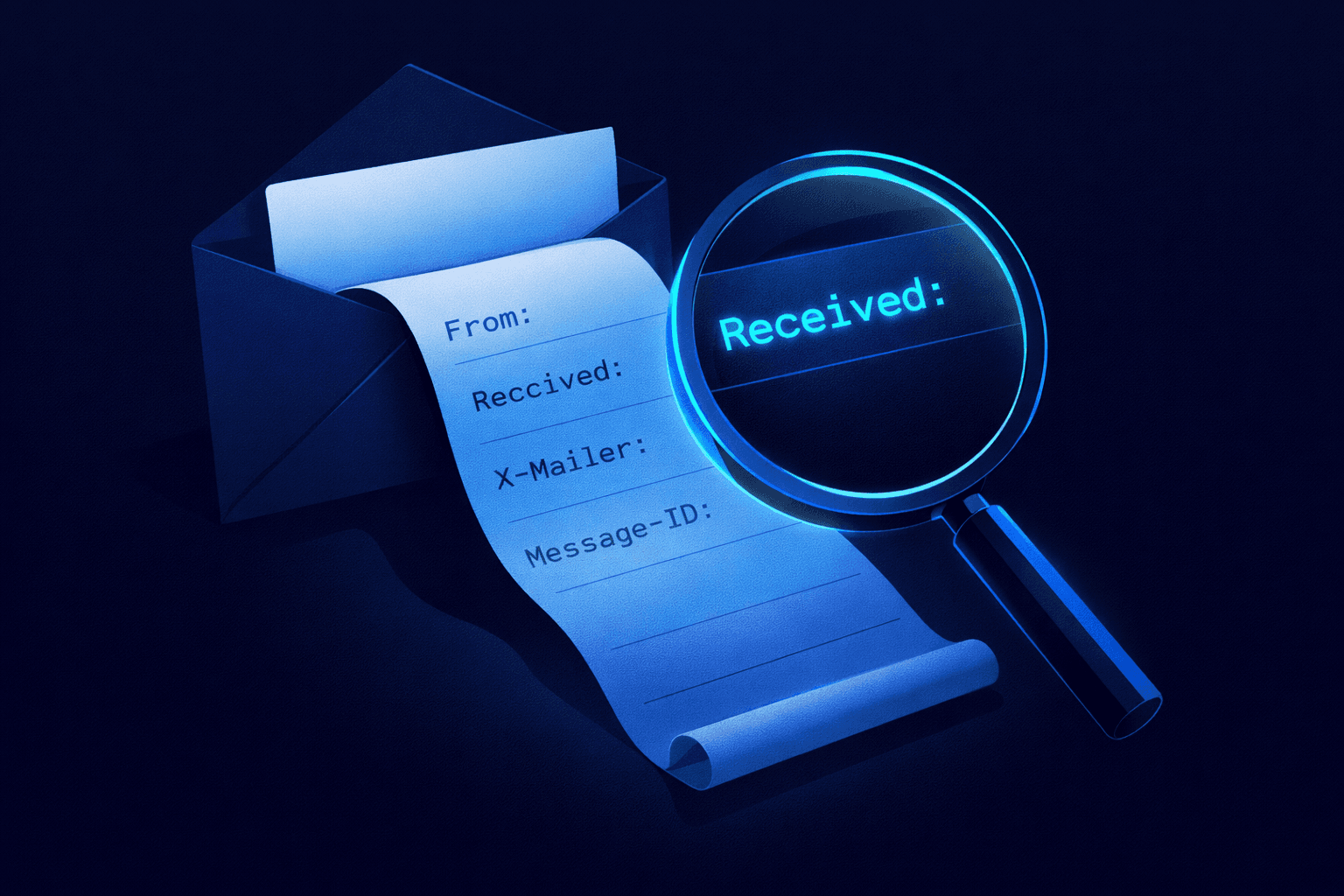
Email headers are the "digital fingerprint" of every message. While the body of an email can be easily faked, the headers contain the forensic evidence needed to trace its true origin.
What is an Email Header?
An email header is a block of metadata that accompanies every email. It logs the message's journey from the sender's server to your inbox. Think of it like a shipping label on a package: it shows where it came from, who handled it, and when it arrived.
Most email clients hide this technical data by default, showing you only the "Friendly" information:
- From: (Can be spoofed)
- To: Your address
- Subject: The topic
- Date: When it was sent
However, under the hood, the header contains critical security checks like SPF (Sender Policy Framework), DKIM (DomainKeys Identified Mail), and the Return-Path.
Too Complicated?
You don't need to be a cybersecurity expert to analyze headers. Our free tool does it for you.
Click here to analyze an email header automatically →
How to Find Email Headers
Here is how to locate the raw header data in the most common email clients.
1. Gmail (Web)
- Open the email you want to inspect.
- Click the three vertical dots (More options) next to the Reply button.
- Select Show original.
- A new tab will open with the full headers. Click "Copy to clipboard".
2. Outlook (New / Web)
- Open the email.
- Click the three dots (...) in the top right of the message window.
- Hover over View and select View message details.
3. Apple Mail (Mac)
- Open the email.
- Go to View in the top menu bar.
- Select Message > Raw Source (or press
Option + Command + U).
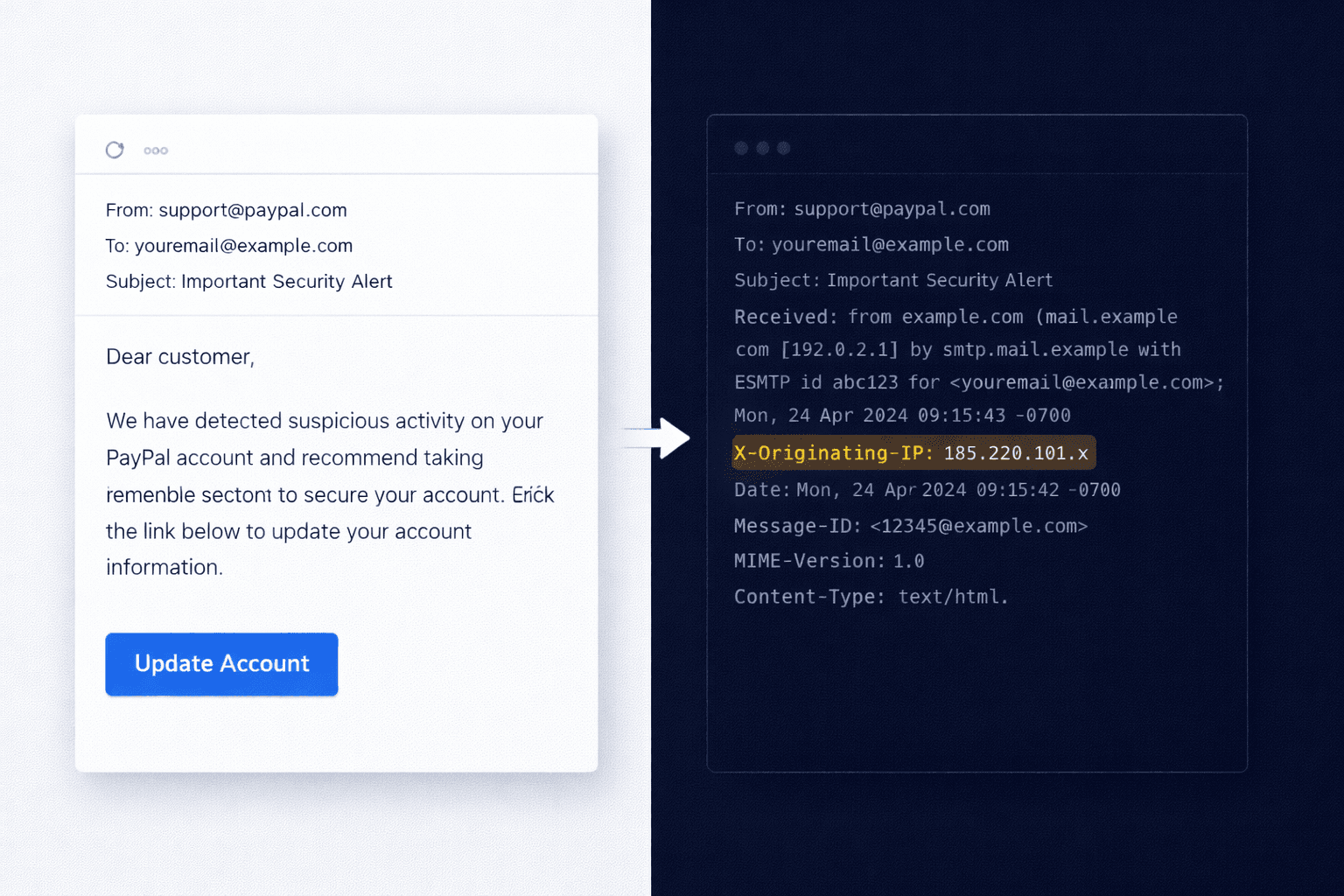
3 Key Header Fields to Check
Once you have the header text, look for these three lines to spot a fake.
1. Return-Path vs. From
The From: address is what you see in your inbox (e.g., [email protected]). The Return-Path: is the actual server address where bounce messages are sent.
The Scam: If the "From" says PayPal, but the "Return-Path" says [email protected], it is almost certainly phishing.
2. Received
You will see multiple Received: lines. Read them from bottom to top. The bottom-most line represents the origin server.
Received: from mail.suspicious-site.com (WARNING: IP 192.168.x.x)
If the originating server allows any user to send mail (like a compromised WordPress site), this line will reveal the true source IP.
3. Authentication-Results
This is the most critical line for modern security. It summarizes the cryptographic checks:
- dkim=pass: The email was digitally signed and hasn't been altered.
- spf=pass: The sending IP is authorized by the domain.
- dmarc=pass: The email complies with the domain's security policy.
Conclusion
Reading headers is an essential skill for verifying sensitive emails, especially those requesting wire transfers or passwords. However, manual analysis is prone to error.
The safer way? Use our forensic engine to visualize the hop-by-hop path and validate the cryptography instantly.
Ready to Put This Into Practice?
Use our forensic engine to visualise the hop-by-hop path and validate the cryptographic signatures instantly — for free.
Analyze a Header Now (Free)