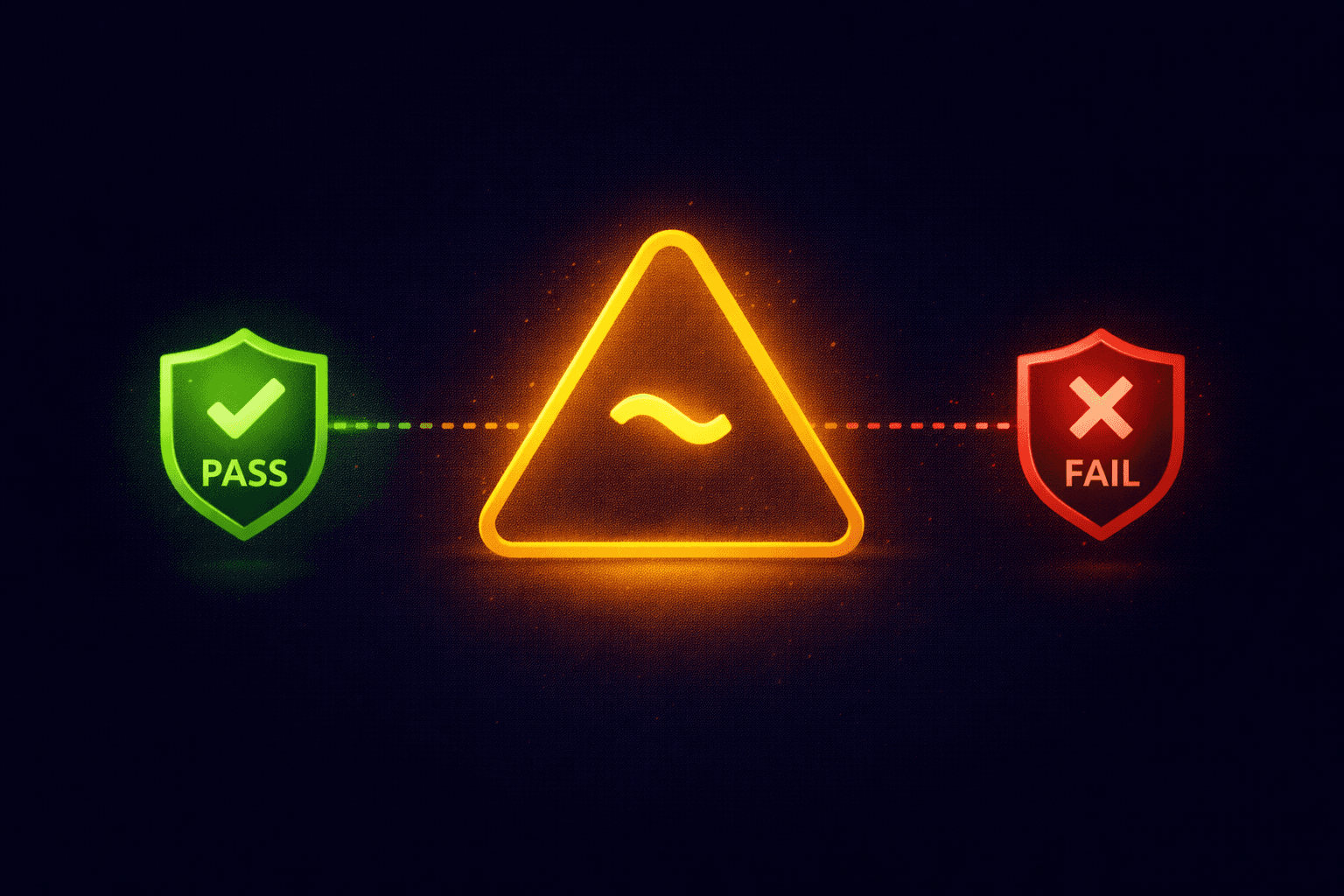
You run an SPF check and see the result: spf=softfail. Is your email broken? Is it spam? Or is it working as intended?
What is a Soft Fail?
In technical terms, a Soft Fail occurs when an IP address is not listed in your SPF record, but your policy says to accept it anyway (but mark it as suspicious).
It is defined by the ~all mechanism at the end of your SPF record.
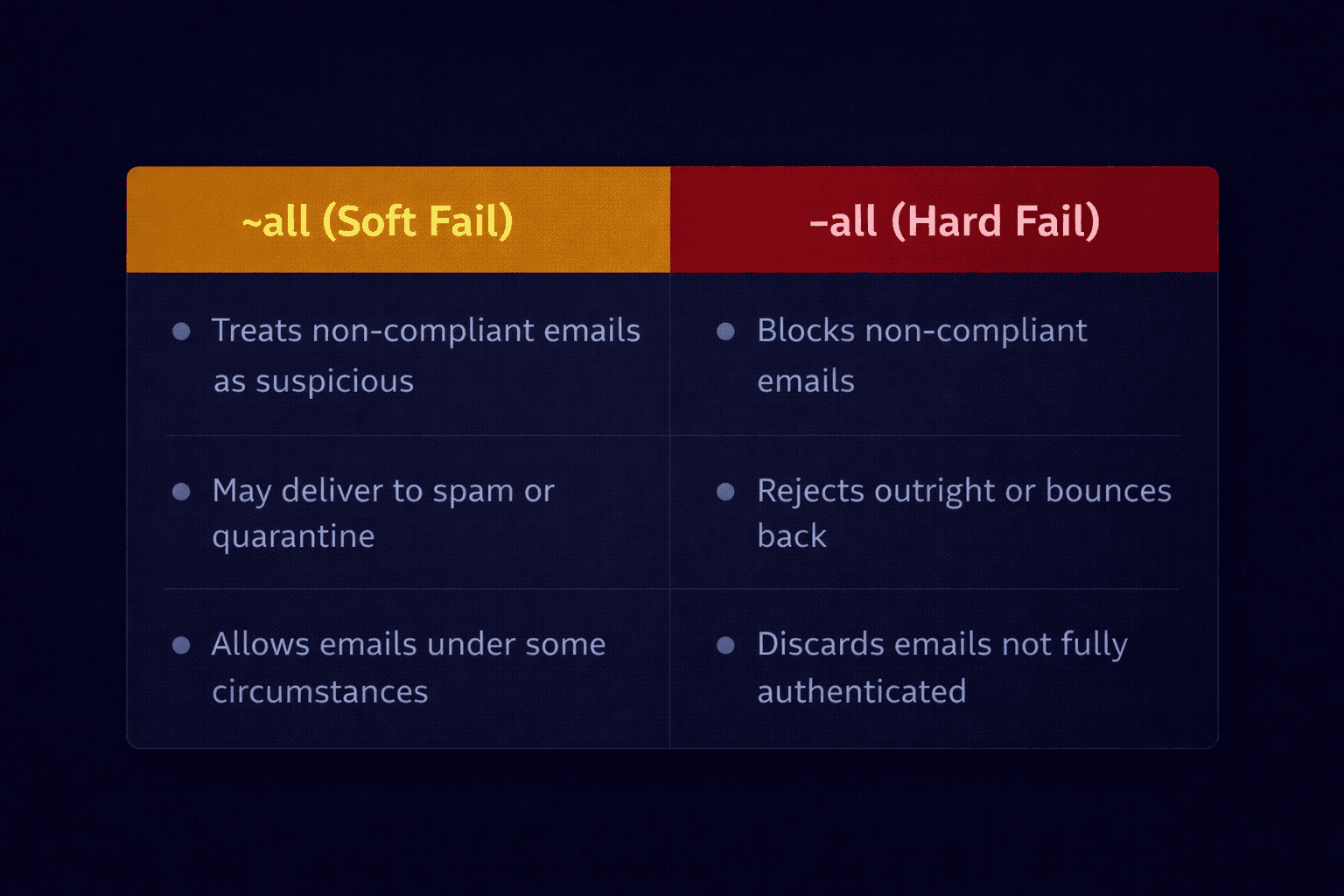
- -all (Hard Fail): "If the IP isn't on the list, reject the email."
- ~all (Soft Fail): "If the IP isn't on the list, accept it but mark it as 'Neutral' or 'Suspicious'."
Example Record
v=spf1 include:_spf.google.com ~allThis record tells receiving servers: "Google is allowed. Everyone else? Just flag them, don't block them."
Why Use Soft Fail?
You might think, "Why not block everyone immediately?" The answer is email forwarding.
Scenario: You send an email to [email protected]. Bob has his university email auto-forwarded to his personal Gmail.
- Your server sends to University. (SPF Pass)
- University rewrites the "From" address and forwards to Gmail.
- Gmail sees the email coming from the University's IP, not yours.
Since the University isn't in your SPF record, this check fails. If you had -all (Hard Fail), Gmail would reject Bob's forwarded email. With ~all (Soft Fail), Gmail accepts it but treats it with caution.
When is Soft Fail a Problem?
If you see Soft Fails for emails sent directly from you (not forwarded), it means your SPF record is missing an IP address.
- Did you switch marketing tools (Mailchimp, HubSpot)?
- Did your office get a new static IP?
- Are you using a cloud CRM like Salesforce?
You must update your SPF record to include these services.
Conclusion
For most businesses, starting with ~all is safer to ensure deliverability. However, once you are confident in your list of senders, switching to -all provides stronger protection against spoofing.
Check Your Record Instantly
Paste your domain or an email header into our tool to see if your SPF record is set to Soft Fail or Hard Fail.
Analyze My Headers