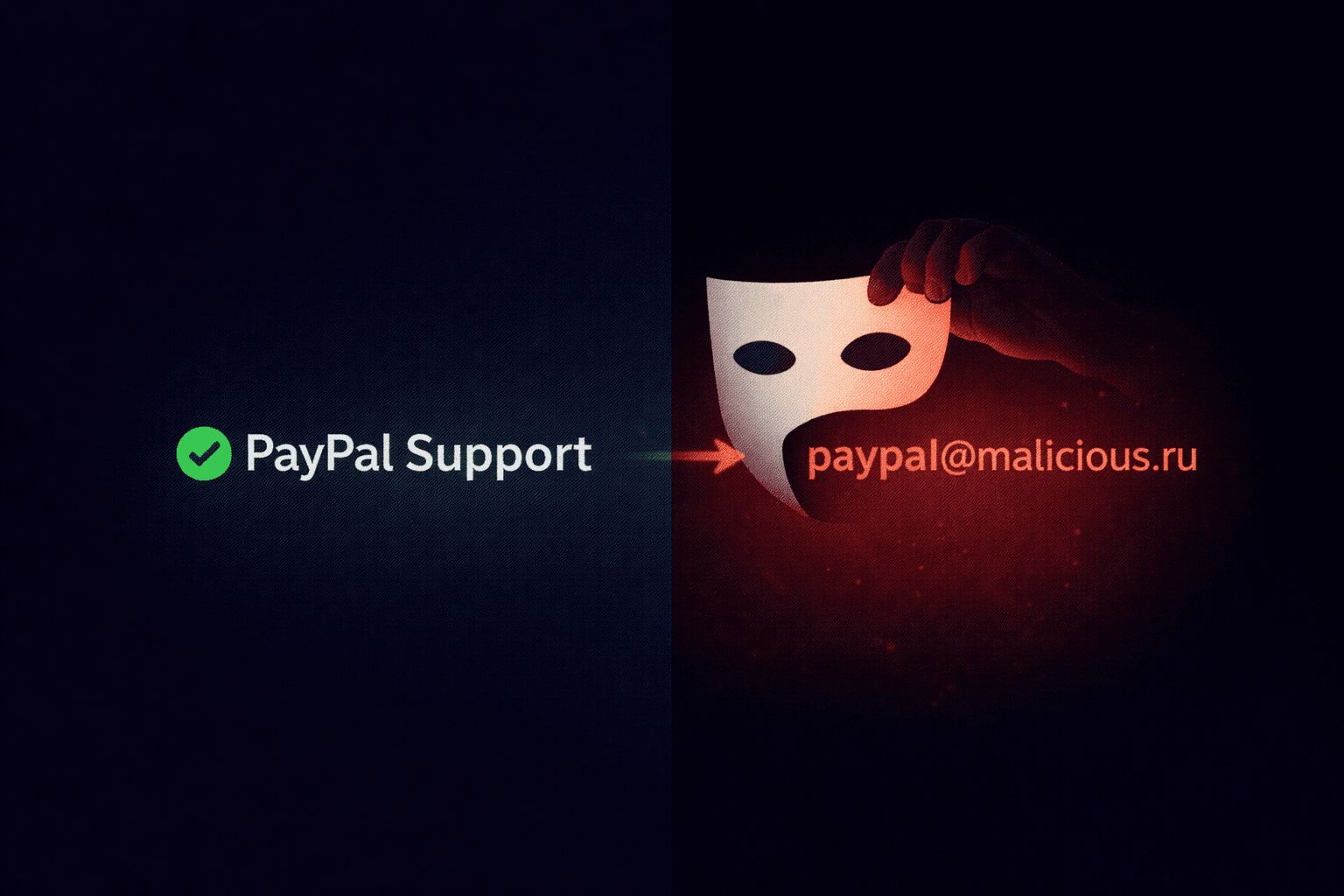
You receive an email from "Microsoft Support". It looks urgent. But if you look closer, the actual email address is `[email protected]`. This is the simplest and most effective trick in the book: Display Name Spoofing.
How It Works
Email protocols allow senders to specify two things:
- The Envelope Address: The actual email account sending the message.
- The Display Name: The "friendly" name shown to the recipient.
Anyone can sign up for a free Gmail account (e.g., `[email protected]`) and set their Display Name to "Bank of America Fraud Team".
When you receive the email on your phone, you often only see the Display Name.
From: "Tim Cook, Apple CEO" <[email protected]>
Why Filters Miss This
Technically, the email is authenticated. It really came from Yahoo's servers. SPF passes. DKIM passes (signed by Yahoo).
Because the technical infrastructure is legitimate (Yahoo/Gmail), traditional spam filters struggle to catch this. They rely on "Reputation" and "Behavioral Analysis" instead.
How to Spot It
1. Expand the Details
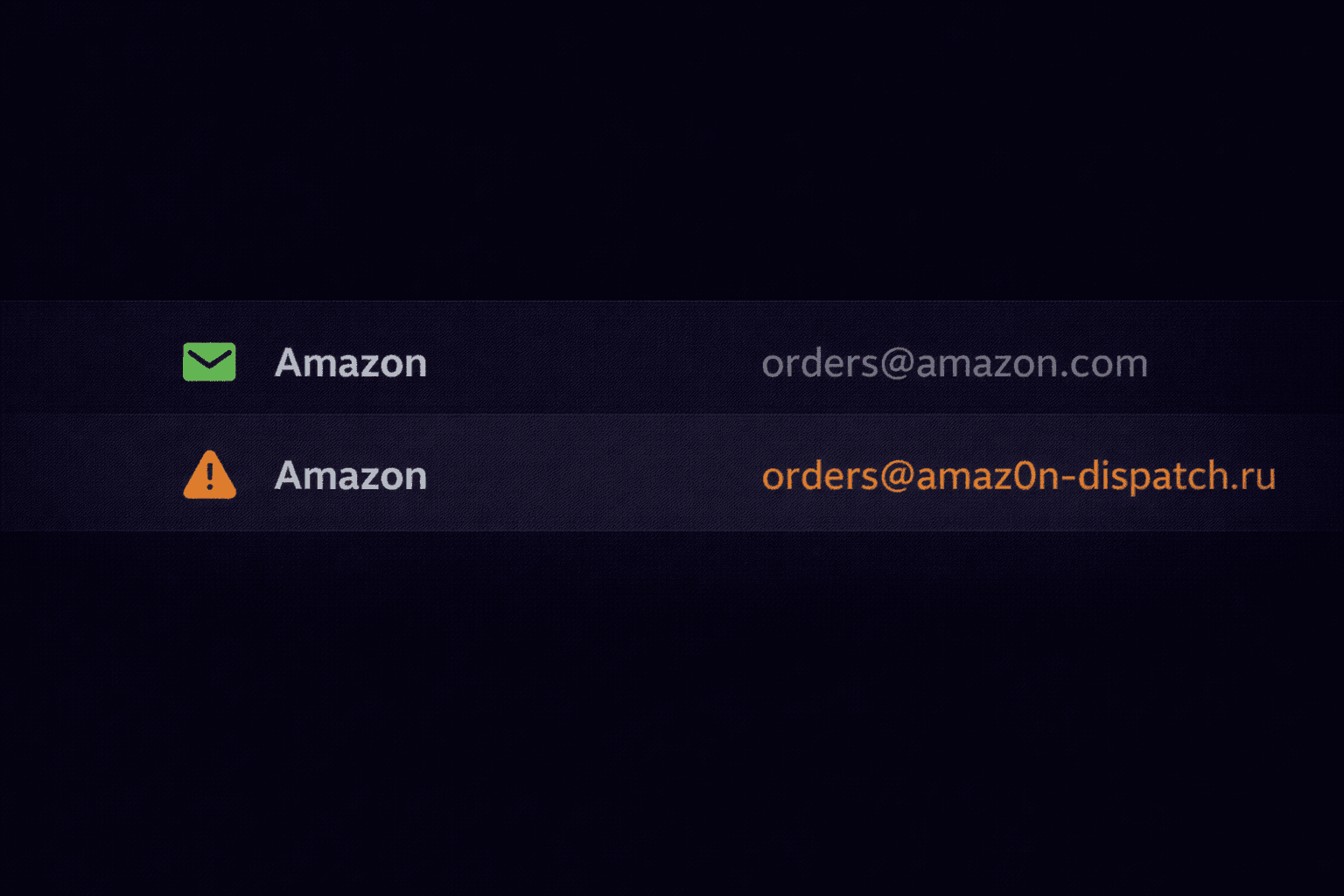
On mobile, tap the sender's name to reveal the actual email address. If it's a generic domain (`gmail.com`, `outlook.com`) claiming to be a major corporation, it's fake.
2. Check Reply-To
Sometimes attackers spoof the From address using advanced techniques, but they need you to reply to them. So they set a different Reply-To header.
- Visible From: `[email protected]`
- Hidden Reply-To: `[email protected]`
When you click "Reply", your email client quietly swaps the address. Always check the "To" field before hitting send on a reply.
Header Analysis
If you look at the raw headers, this mismatch becomes obvious.
From: "IT Support" <[email protected]>
Reply-To: <[email protected]>
Return-Path: <[email protected]>
Our tool highlights these mismatches automatically. If the "From" domain doesn't match the "Return-Path" or "Reply-To", we flag it as a spoofing attempt.
Spot the Spoof Before It Tricks You
Our tool highlights From / Return-Path / Reply-To mismatches automatically and flags spoofing attempts in seconds.
Check Headers for Spoofing