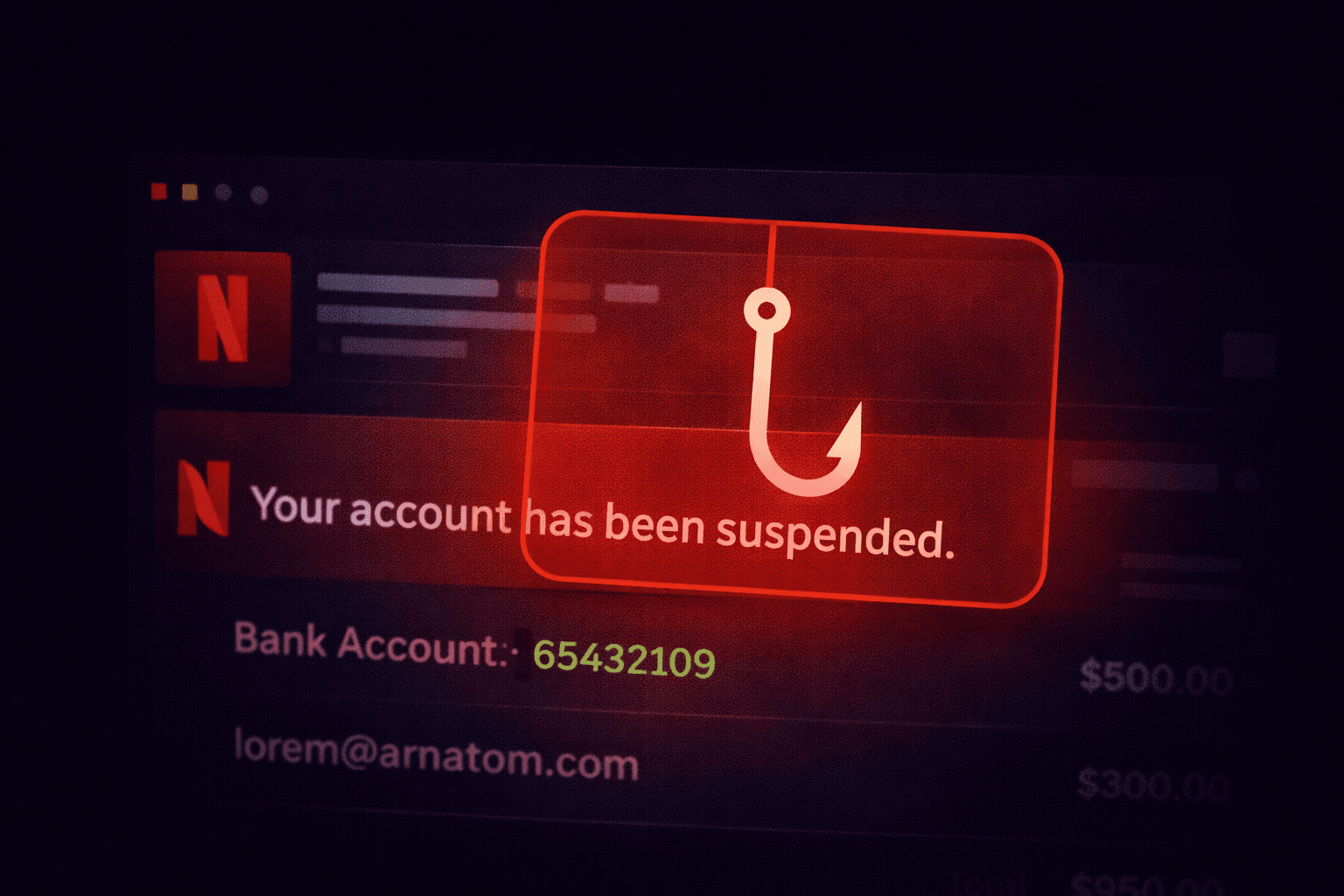
It's Friday night. You're ready to watch a movie. Then an email pops up: "Your Netflix membership is on hold. Please update your payment details." Panic sets in. You click the link. And just like that, you've handed your credit card to a cybercriminal.
The Attack Vector
This scam targets consumers, not businesses. It relies on Volume and Brand Trust.
Attackers send millions of these emails blindly. They don't know if you actually use Netflix, but statistically, many recipients do.
The Hook
Notice the deadline (24 hours). This creates artificial urgency.
The Technical Breakdown
How can you tell it's fake without clicking?
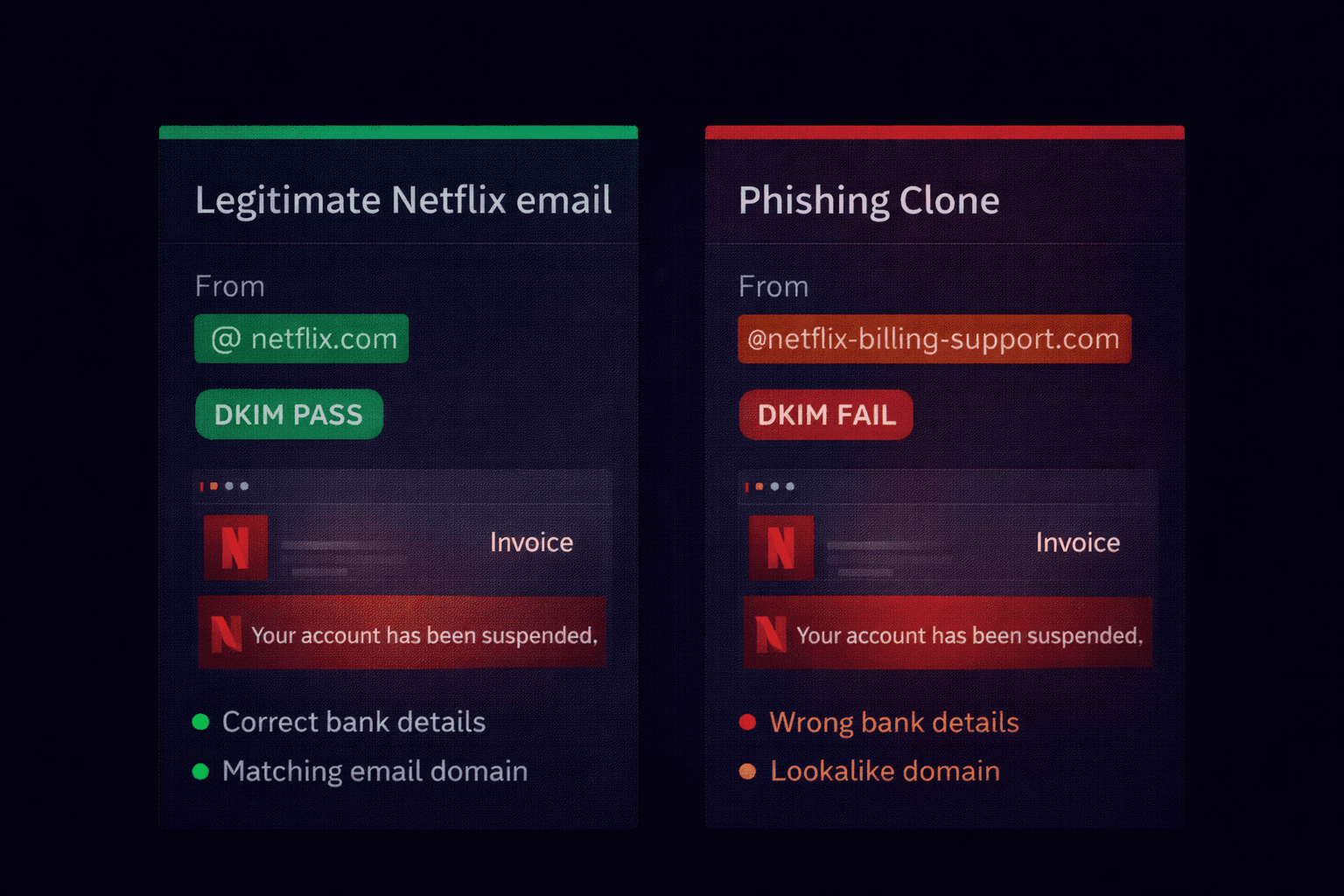
1. The Sender Domain
Real Netflix emails come from `netflix.com`.
The Scam Email came from: `[email protected]`.
Attackers register domains containing the word "Netflix" to fool you. But if it's not exactly `netflix.com`, it's not them.
2. The Link Destination
When you hover over the "Restart Membership" button, the URL preview shows:http://bit.ly/3x8jK...
Legitimate companies rarely use URL shorteners for transactional emails. They want you to see their domain. Hiding the destination is a major red flag.
3. "Dear Customer"
Netflix knows your name. If the email says "Dear Customer" or "Hi there", it's a template sent to millions of people. A real service email would say "Hi John".
What Happens If You Click?
- You are taken to a fake login page that looks identical to Netflix.
- You enter your username and password (now the attacker has your Netflix account).
- The next screen asks for your credit card number to "reactivate" the account (now they have your financial data).
- Finally, it redirects you to the real Netflix homepage, leaving you confused but unsuspecting.
Safety Checklist
- Never click verify links: Go to Netflix.com directly in your browser and log in. If there is a billing issue, a banner will appear there.
- Check the URL: Look for `netflix.com/`. If there are extra words like `netflix-support.com`, it's fake.
- Use a Password Manager: Password managers won't auto-fill your credentials on a fake site because the URL doesn't match.
Is That Email Really From Netflix?
Forward the email header to our tool. We check the SPF record to see if the sending server is actually authorised by Netflix, Inc.
Check Sender Authenticity