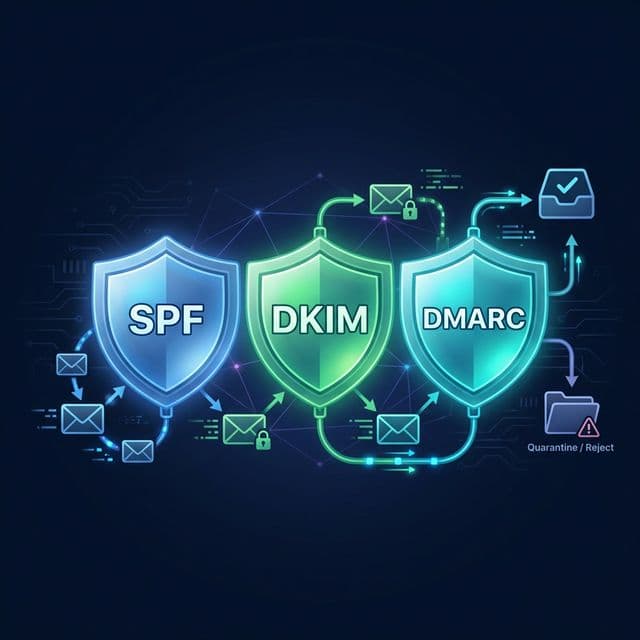
If you manage a business email domain, you've likely seen these acronyms: SPF, DKIM, and DMARC. Together, they form the backbone of modern email security. Without them, your emails will land in Spam.
Why Do We Need Them?
Email was invented in the 1970s without any security. Anyone could pretend to be anyone. You could send an email claiming to be from [email protected], and servers would happily deliver it.
To fix this, the industry created three protocols to verify sender identity.
1. SPF (Sender Policy Framework)
The Analogy: The Guest List.
SPF is a DNS record that lists every IP address allowed to send email for your domain. When an email arrives, the receiving server checks the list. If the sender isn't on the list, the "bouncer" stops them.
v=spf1 include:_spf.google.com ip4:192.168.1.1 -all"Only Google and the server at 192.168.1.1 can send email for me. Reject everyone else."
2. DKIM (DomainKeys Identified Mail)
The Analogy: The Wax Seal.
DKIM adds a digital cryptographic signature to the email header. This signature proves two things:
- The email truly came from the domain owner (who holds the private key).
- The email content hasn't been tampered with in transit.
If a hacker intercepts the email and changes the bank account number, the "wax seal" breaks, and the signature becomes invalid.
3. DMARC (Domain-based Message Authentication, Reporting, and Conformance)
The Analogy: The Instruction Manual.
SPF and DKIM are just checks. DMARC tells the receiving server what to do if those checks fail.
- p=none: "Just tell me about it in a report, but let the email through." (Monitoring mode)
- p=quarantine: "Put suspicious emails in the Spam folder."
- p=reject: "Delete them immediately. Do not deliver." (Full protection)
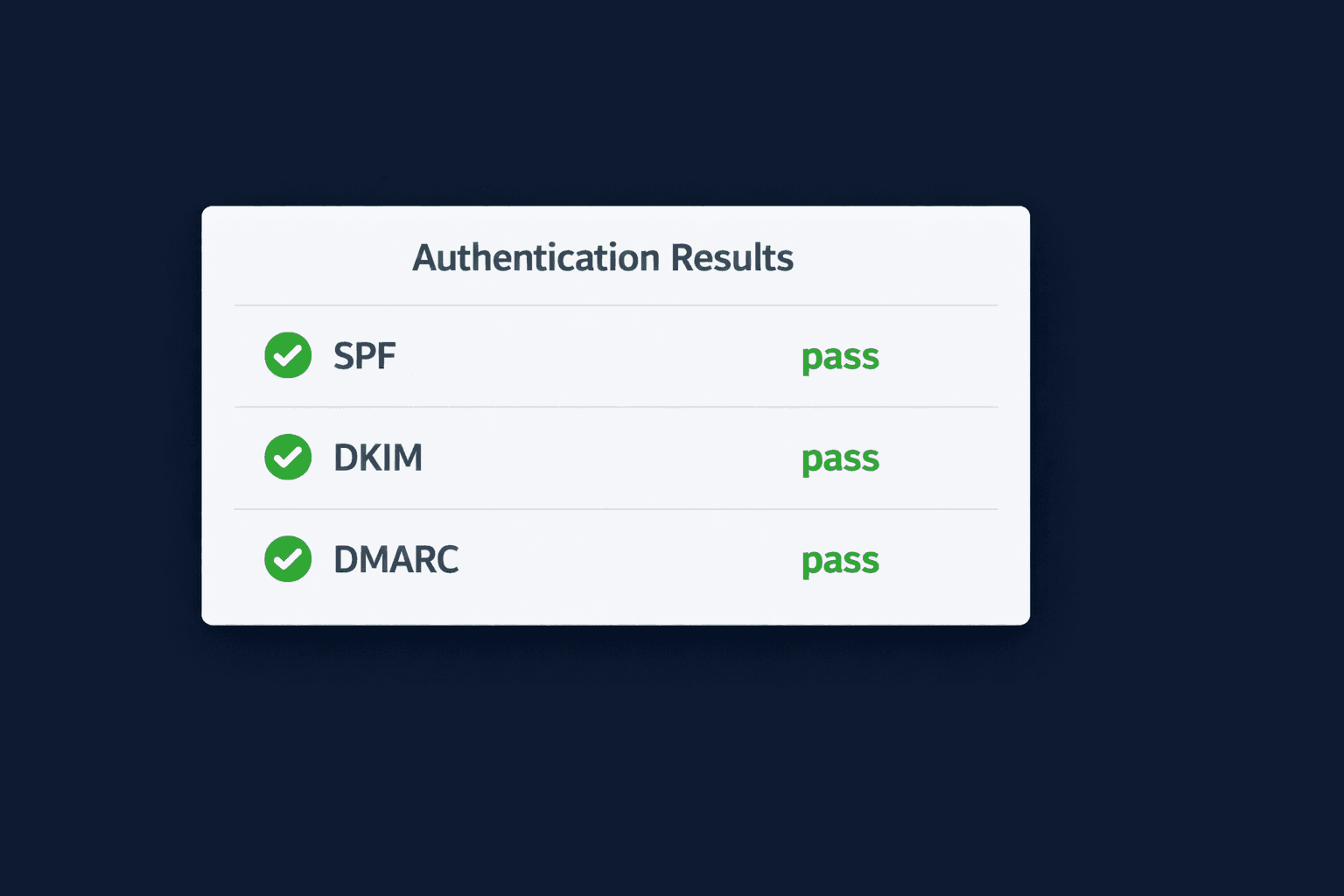
How to Check Your Own Domain
Setting up these records is crucial for deliverability. If you send marketing emails without them, Google and Yahoo will now block you automatically.
To verify if a specific email is correctly signed:
- Launch our Email Header Analyzer.
- Paste the raw headers of an email you sent.
- Look for the Authentication-Results section.
Want to Test Your Security?
Send a test email to yourself and analyze the headers to see if your SPF and DKIM are passing.
Check My Headers