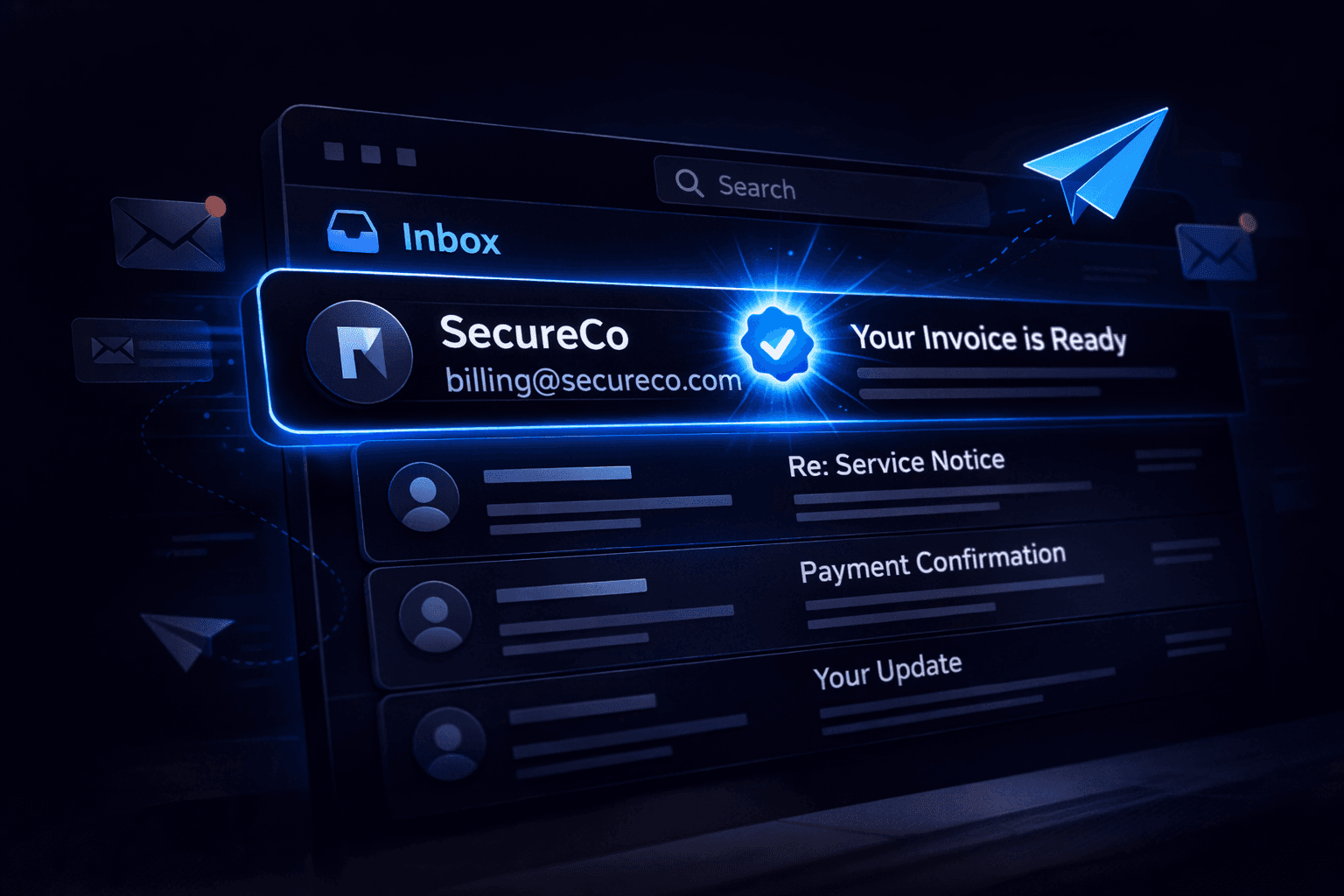
In 2024, Gmail and Apple Mail started showing verified logos next to certain emails. These aren't just profile pictures—they are cryptographic proof of identity. This is BIMI (Brand Indicators for Message Identification).
The Blue Checkmark for Email
Social media has verified handles. Now, email does too.
BIMI allows organizations to display their registered trademark logo next to their messages in the recipient's inbox.
- Before BIMI: You see a generic letter (e.g., "N" for Netflix) or an easily spoofed avatar.
- With BIMI: You see the official, verified brand logo.
How It Works (The VMC)
You can't just upload a PNG file and get a checkmark. BIMI requires a rigorous verification process.
- DMARC Enforcement: The domain must be at `p=quarantine` or `p=reject`. No exceptions.
- Trademark Verification: You must prove you legally own the logo.
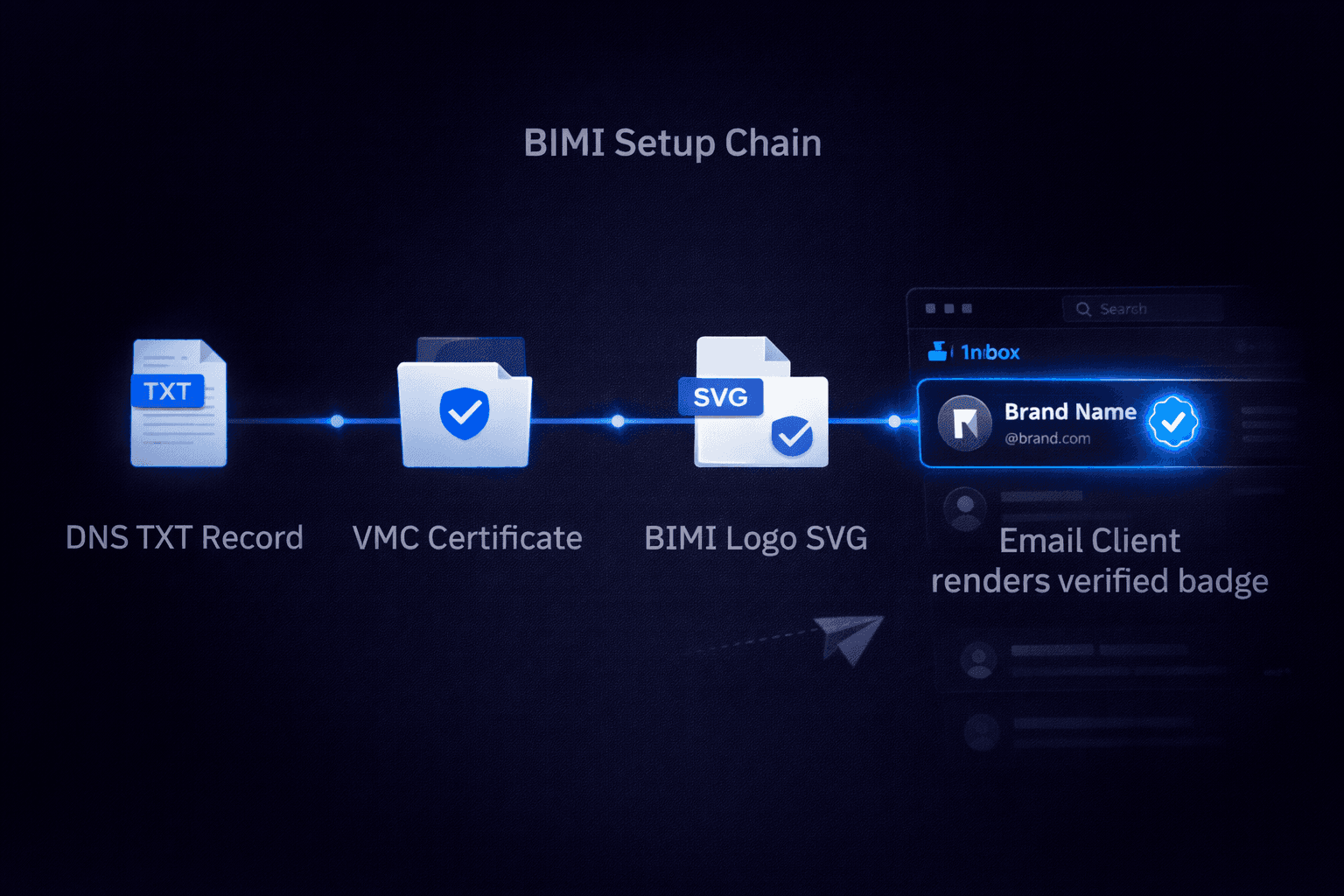
- VMC (Verified Mark Certificate): You purchase a digital certificate from a Certificate Authority (like DigiCert or Entrust). This costs thousands of dollars per year.
Because of this high barrier to entry, scammers cannot easily fake a BIMI logo.
Why It Matters
If you see an email from "Bank of America" and it has the verified logo, you can be nearly 100% certain it is real. If the logo is missing, proceed with caution.
Check Your BIMI Status
BIMI relies on a DNS record, similar to SPF. It points to the location of your logo (in SVG format) and your VMC certificate.
Example Record:
`v=BIMI1; l=https://example.com/logo.svg; a=https://example.com/cert.pem`
Conclusion
As phishing becomes more sophisticated (thanks to AI), visual trust indicators like BIMI will become standard. While it is currently expensive for small businesses, adoption among major brands is skyrocketing.
Does Your Domain Support BIMI?
Before you can apply for a logo, you must have perfect DMARC settings. Use our tool to verify your DMARC compliance first.
Check DMARC Status